Hub Member Management
The Hub Members are managed in The Members Section.
Initially, the Update buttons —  ,
 and
 — are disabled. These buttons are enabled or disabled according to the current selections on the screen.
Please Note — The Status button enable/disable rules described here apply only to the three Status buttons — Active, Inactive and Company. The Add Hub Members button is always enabled and available for use.
The Update button enabling rule is simple — as long as at least one Hub member is selected, the Update buttons will be enabled.
As stated above, since at least one Hub member has been selected, the three Update buttons are now enabled. For more information regarding the specific Update operations, refer to the following Set to Inactive and Active and Set Default Company sections.
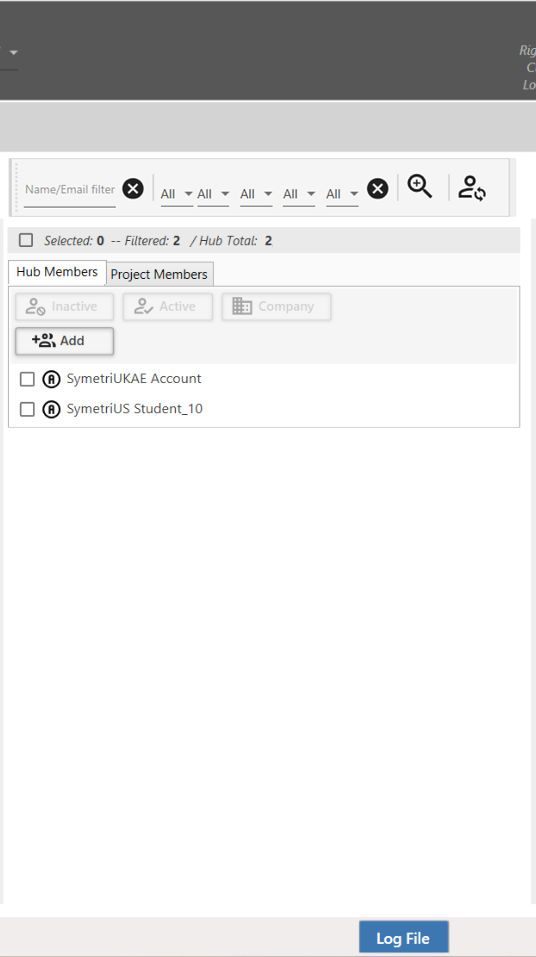
Naviate Cloud Manager — A close-up view of the members section in the Members Module
This chapter will provide additional details on how to manage Hub Members in the following ways: