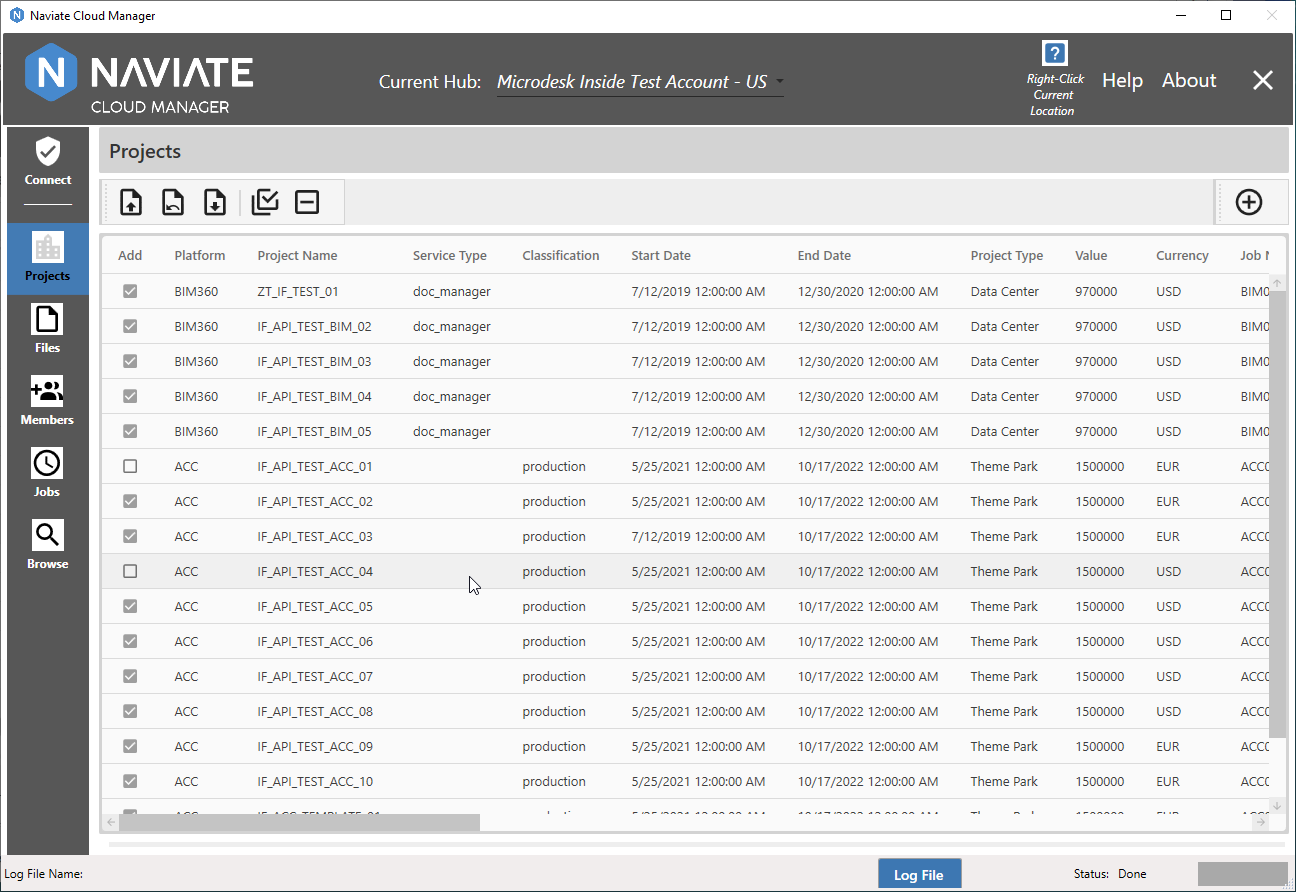
Select Spreadsheet Projects
Once the project template spreadsheet has been loaded, the next step is to select one or more projects from the grid for creation as new Autodesk Construction Cloud® (ACC) or BIM 360® projects.
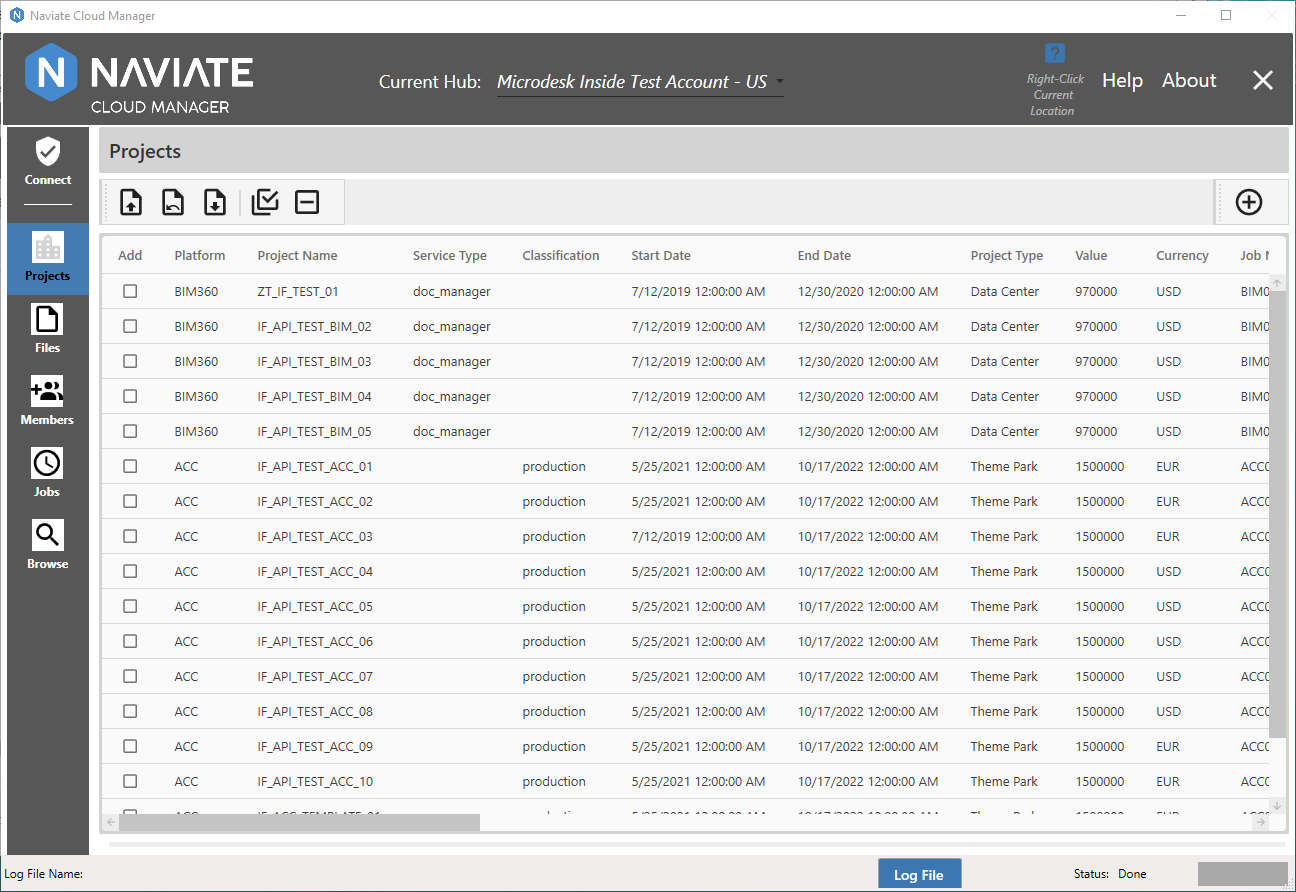
With a spreadsheet template loaded, click on one row at a time to select:
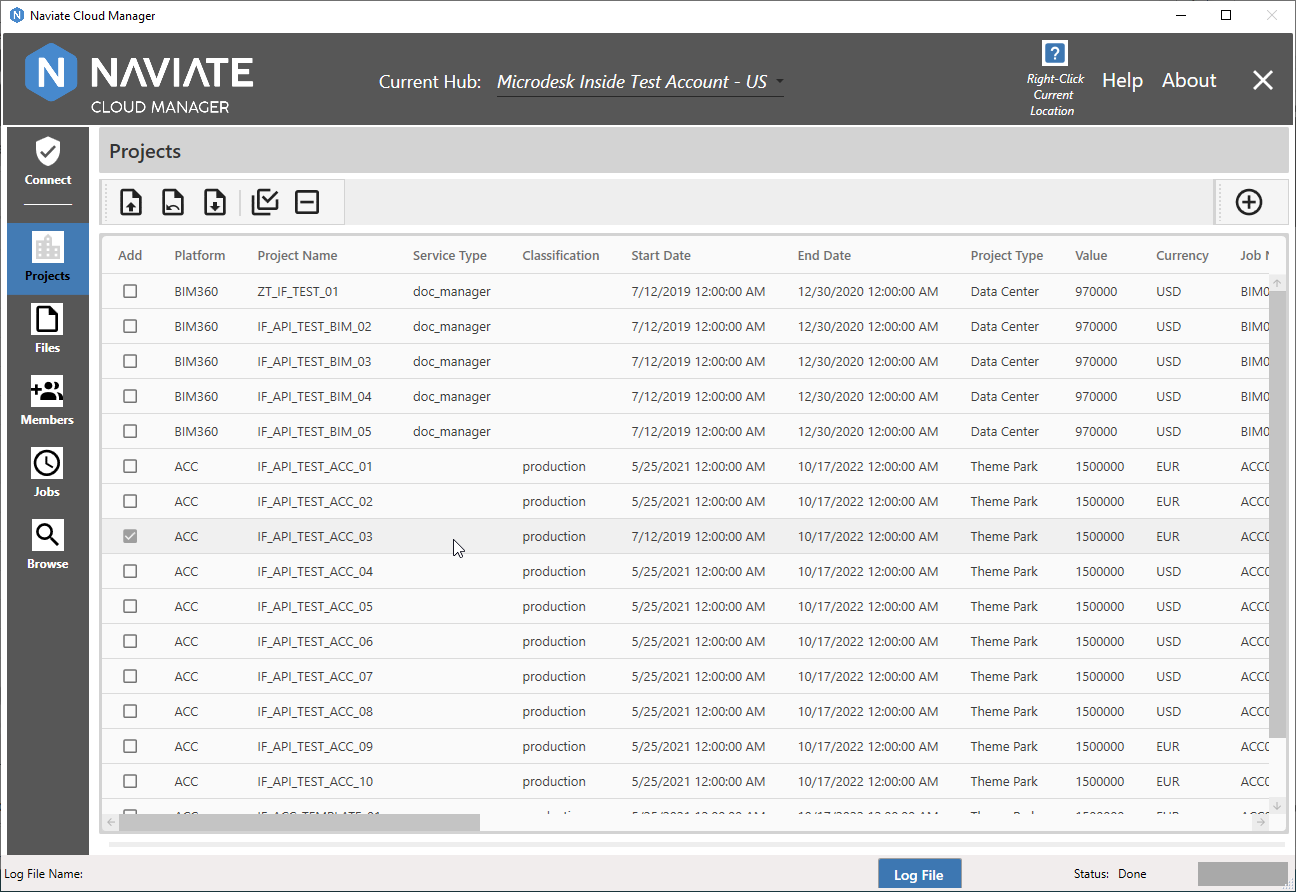
Please note you can click anywhere on the row to select it.
You may also deselect a selected row by clicking on it a second time:
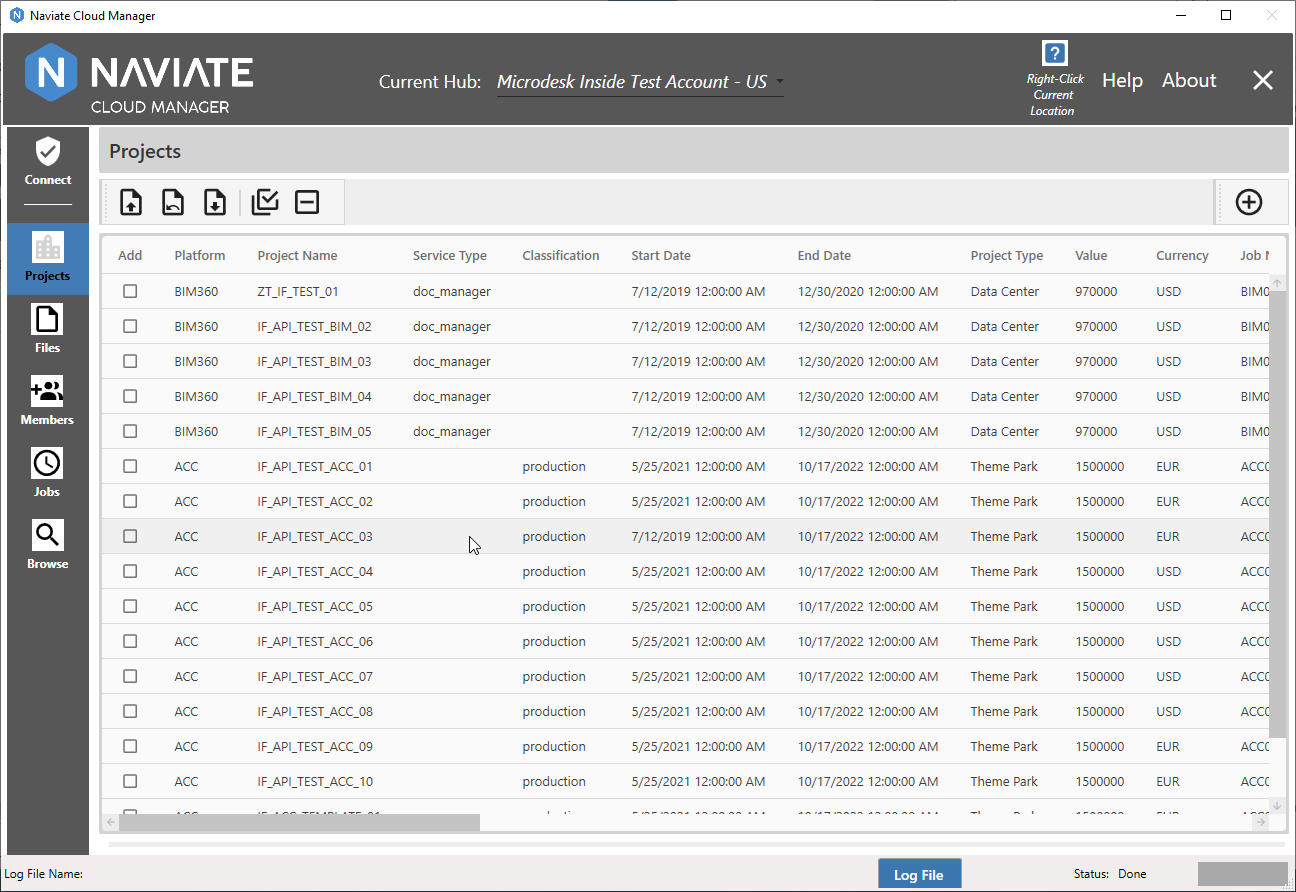
It is also possible to select all projects by pressing the  Select All button:
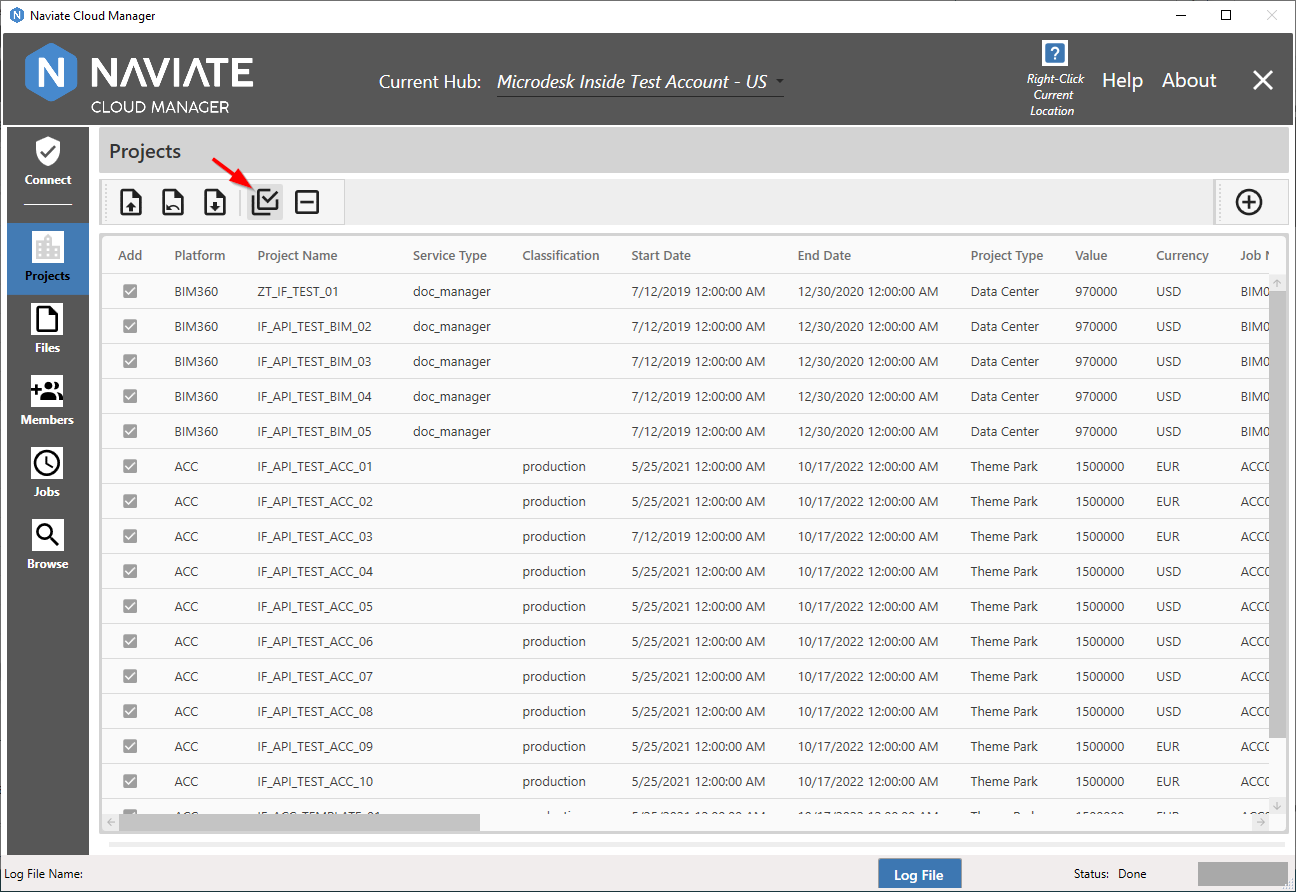
They can all just as easily be unchecked by using the  Unselect All button. This button clears all selections, whether they were made using the Select All or manually:
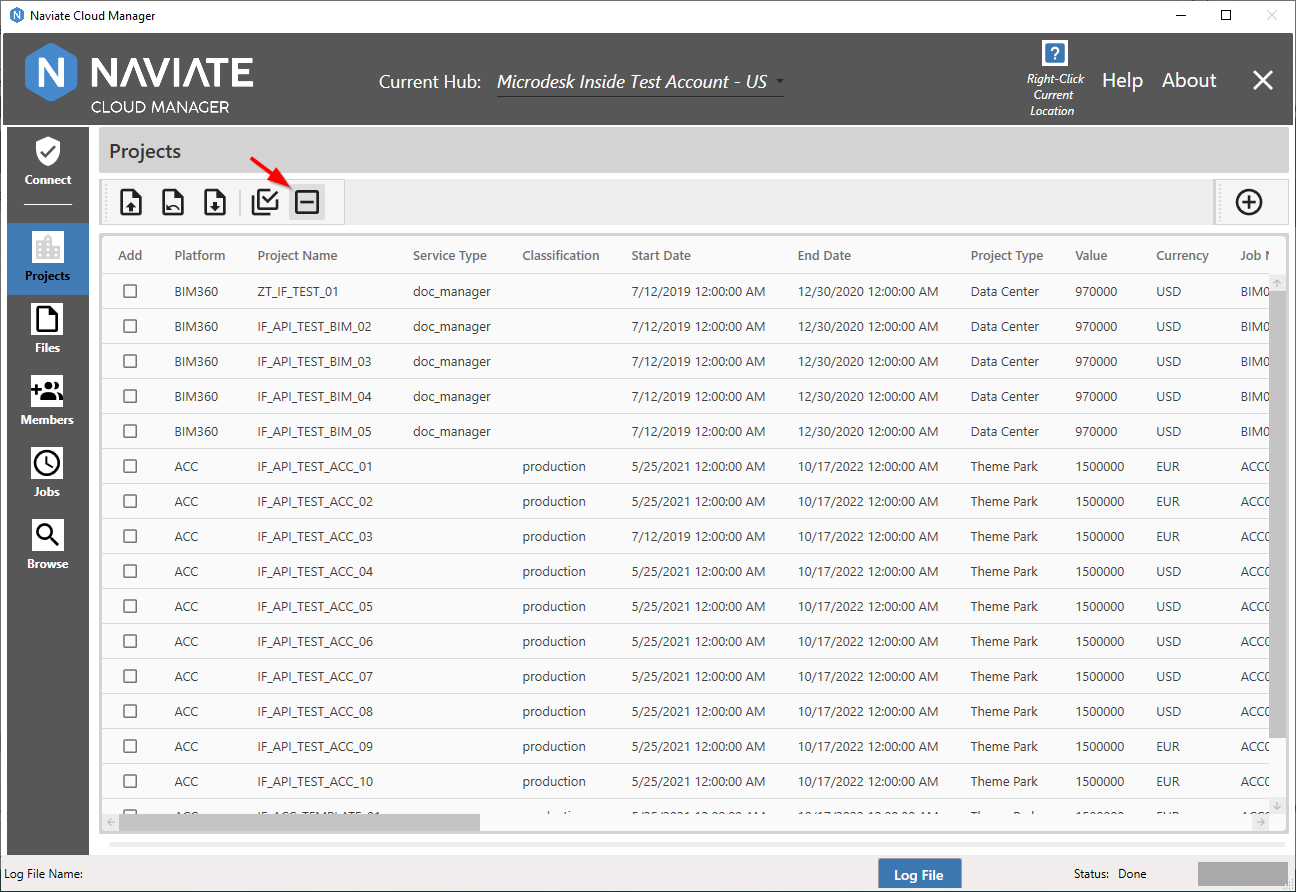
Additionally, after all projects have been selected using the Select All button, individual projects can be un-selected as required: