Filtering Projects
The list of projects can be filtered by entering text in the filter field. Each time a letter is entered, the filter is applied automatically. There is a 2 to 3 second delay in the view being refreshed after entering the search term. This is to accommodate larger hub sizes.
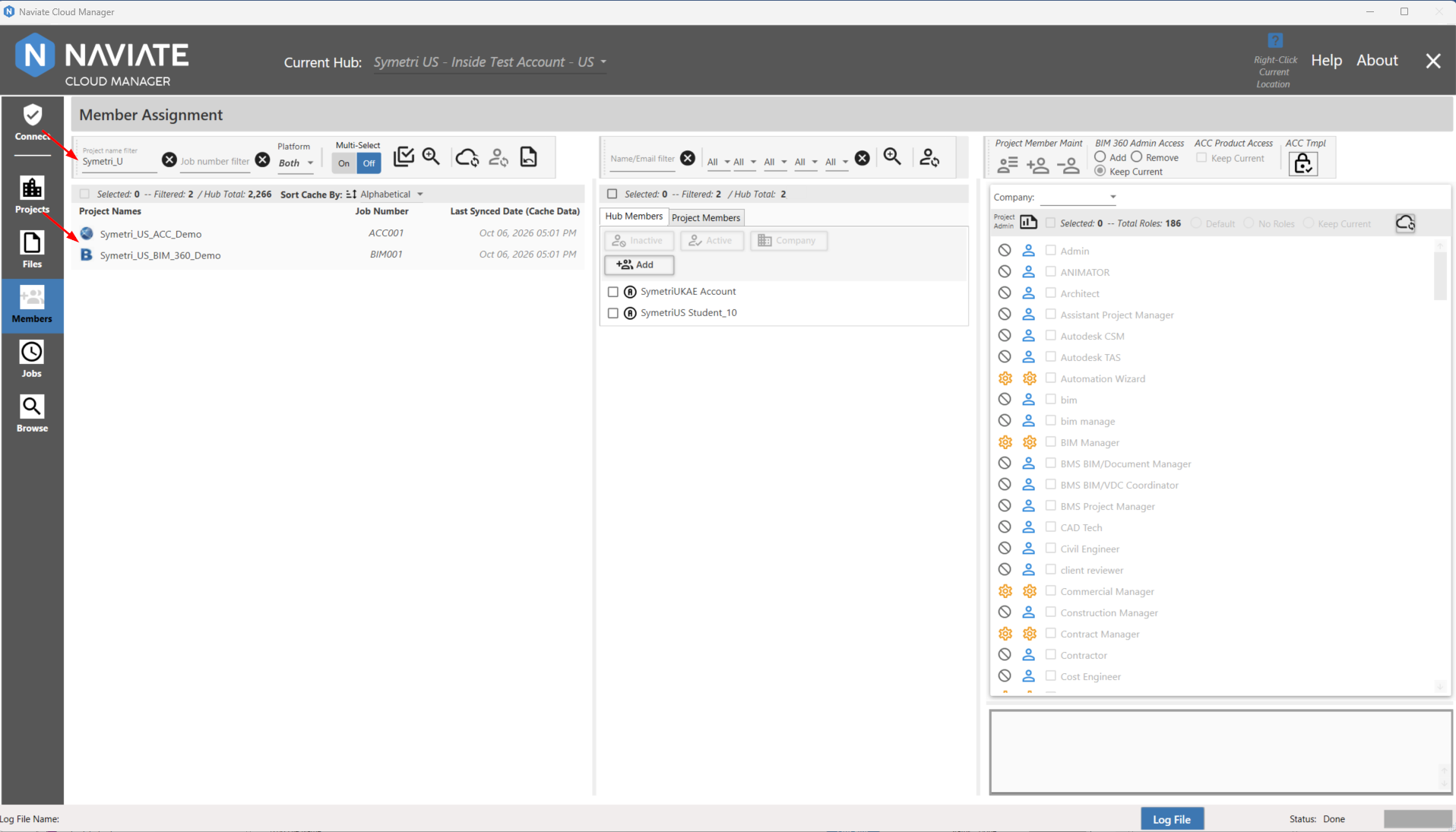
The filter for Project name performs a “contains” query against the project name to generate the filtered results. As shown below, it performs this search regardless of where the specified text is contained in the project name. It is also case-insensitive — ignoring whether the text located in the project name is capitalized, lower case, or a mix.
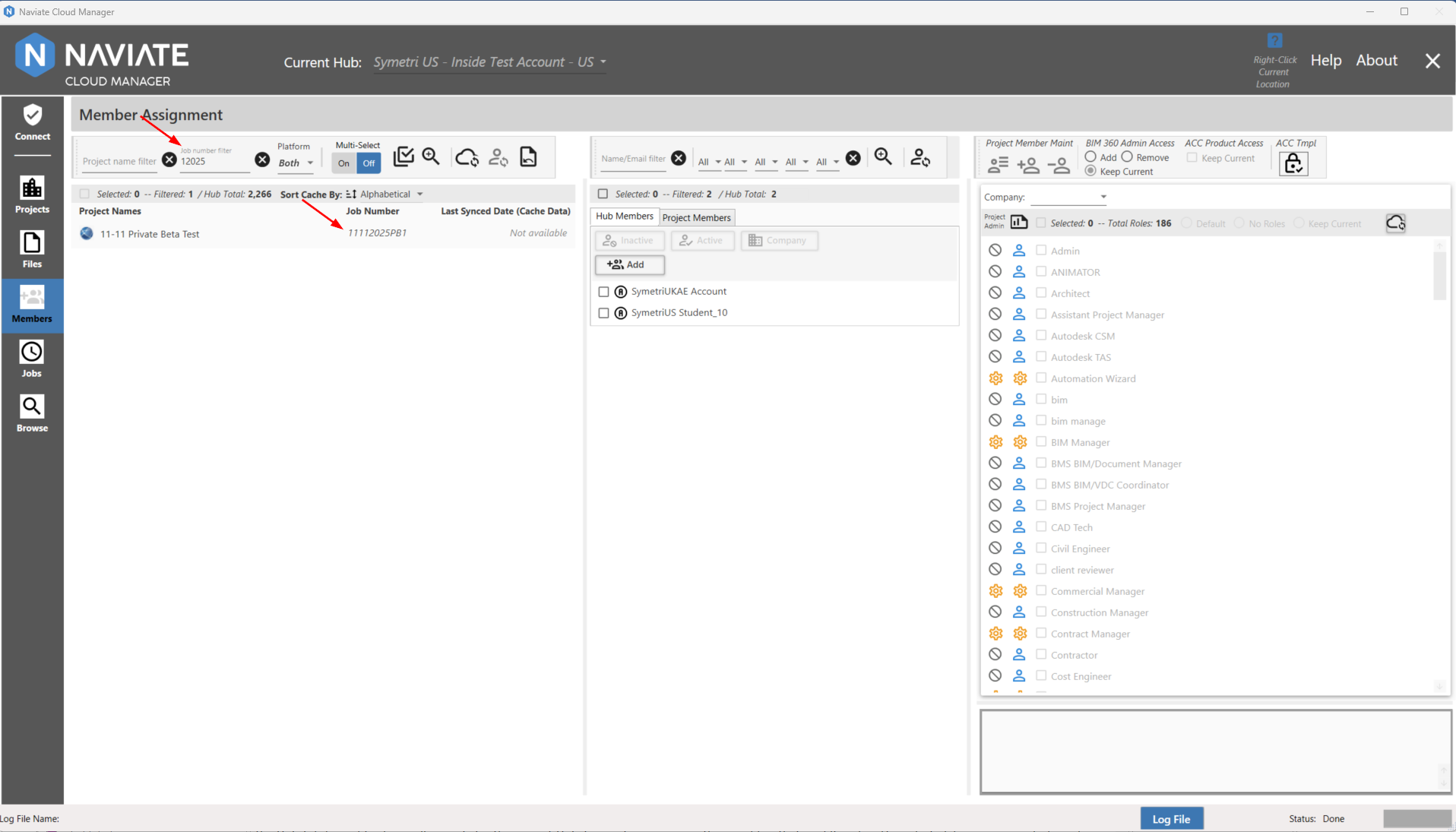
The same filtering logic applies to filtering by Job Number:
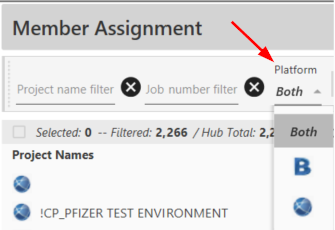
Additionally, the project list can be filtered to show projects by their specific Platform; either BIM 360®, ACC (Forma), or both:
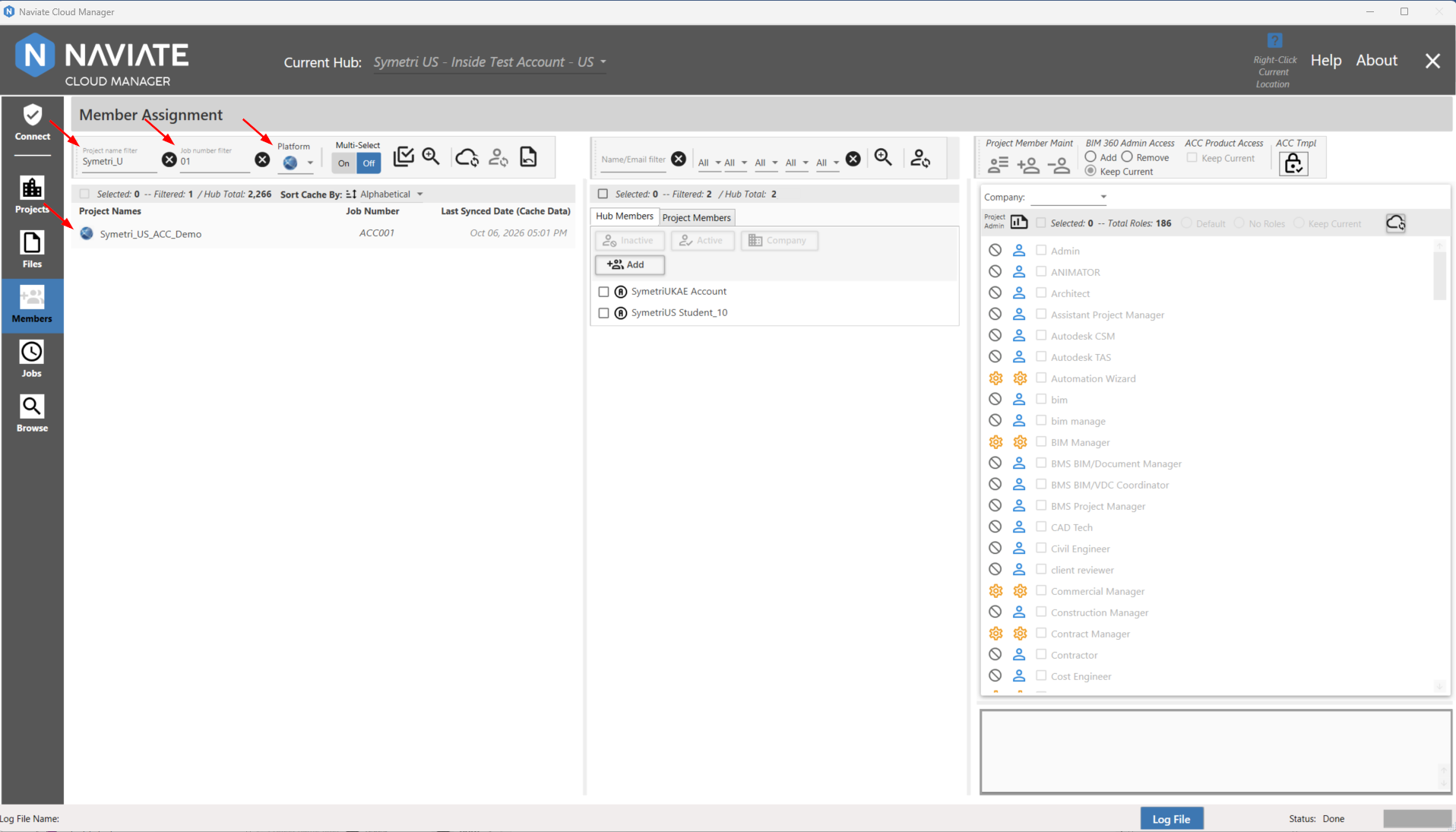
Note: Filters can be used in combination. For example, say I want to search for a project that contains "Symetri_U" in the Project Name, contains "01" in the Job Number, and that is an ACC project. I set the filters as such:
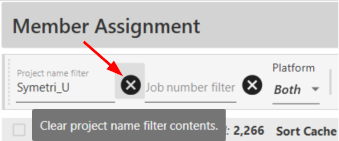
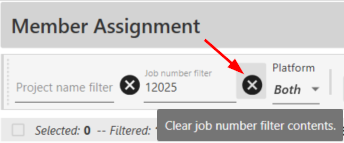
Pressing the  Clear Button removes the applicable filter and refreshes the list with all other currently selected filters still applied:
Please note the Filtered number to the right of the Selected number.
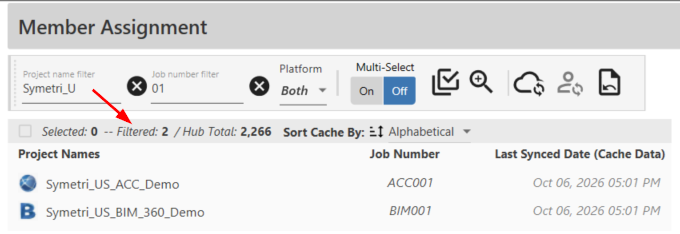
These are two separate numbers and operate independently of one another. Additionally, the Hub Total quantity shows all projects for the current Hub, to assist in comparing the quantities that are filtered and/or selected. For more on selection please refer to Selecting Projects